Combat
PvP with a human touch.
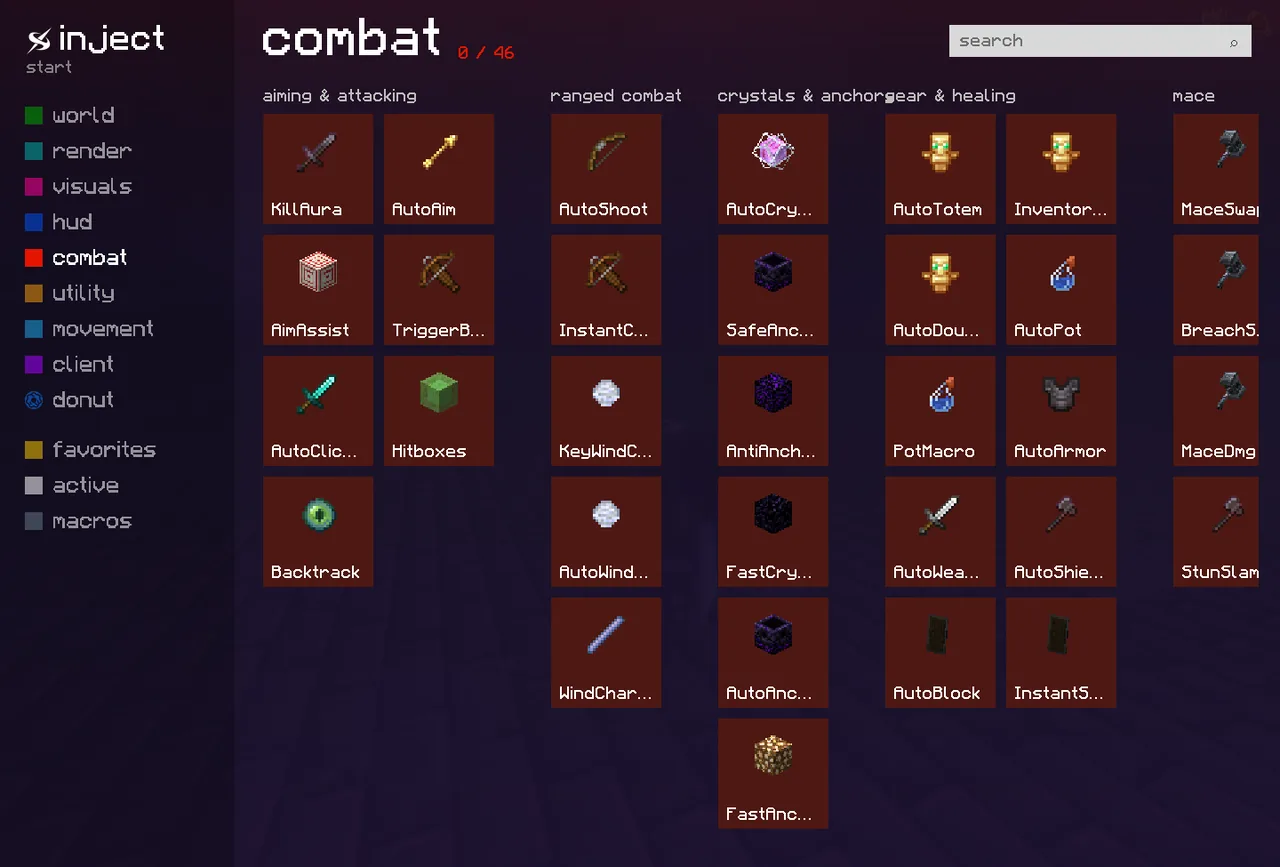
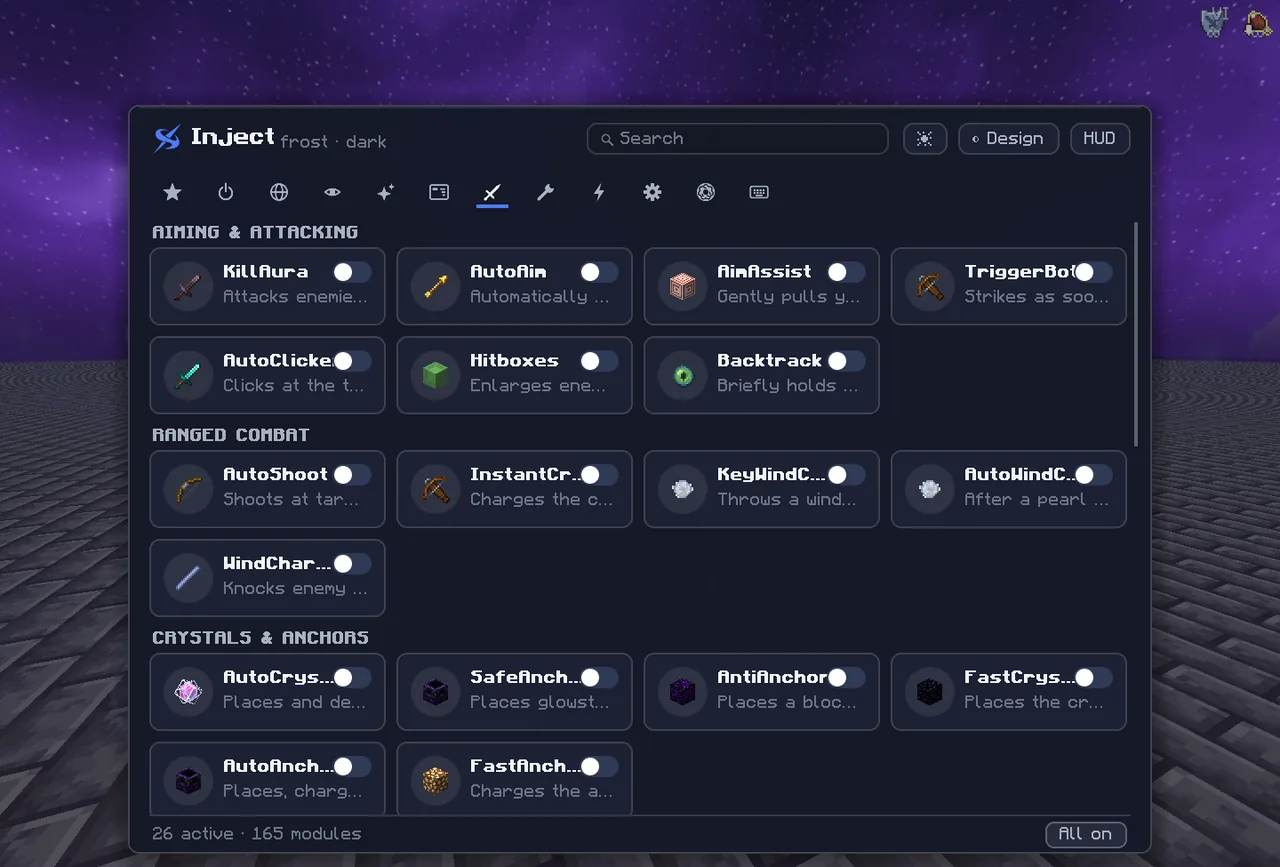
Crystal, anchor and mace PvP. Every module has a Legit and a Rage preset plus a shared reaction time, so it stays human.
Inject loads straight into your running Minecraft. No Fabric, no mods, no restart. 160+ modules, a HUD that's yours, and an interface made of glass.
No installer, no mod loader, no fiddling with profiles. The injector finds your Minecraft by itself.
Just like always: the official launcher, Fabric, Modrinth or Prism. Version 26.2.
The window lists every running Minecraft. Pick your instance, click “Inject”.
The ClickGUI opens. Turn modules on, bind keys, arrange your HUD. Done.
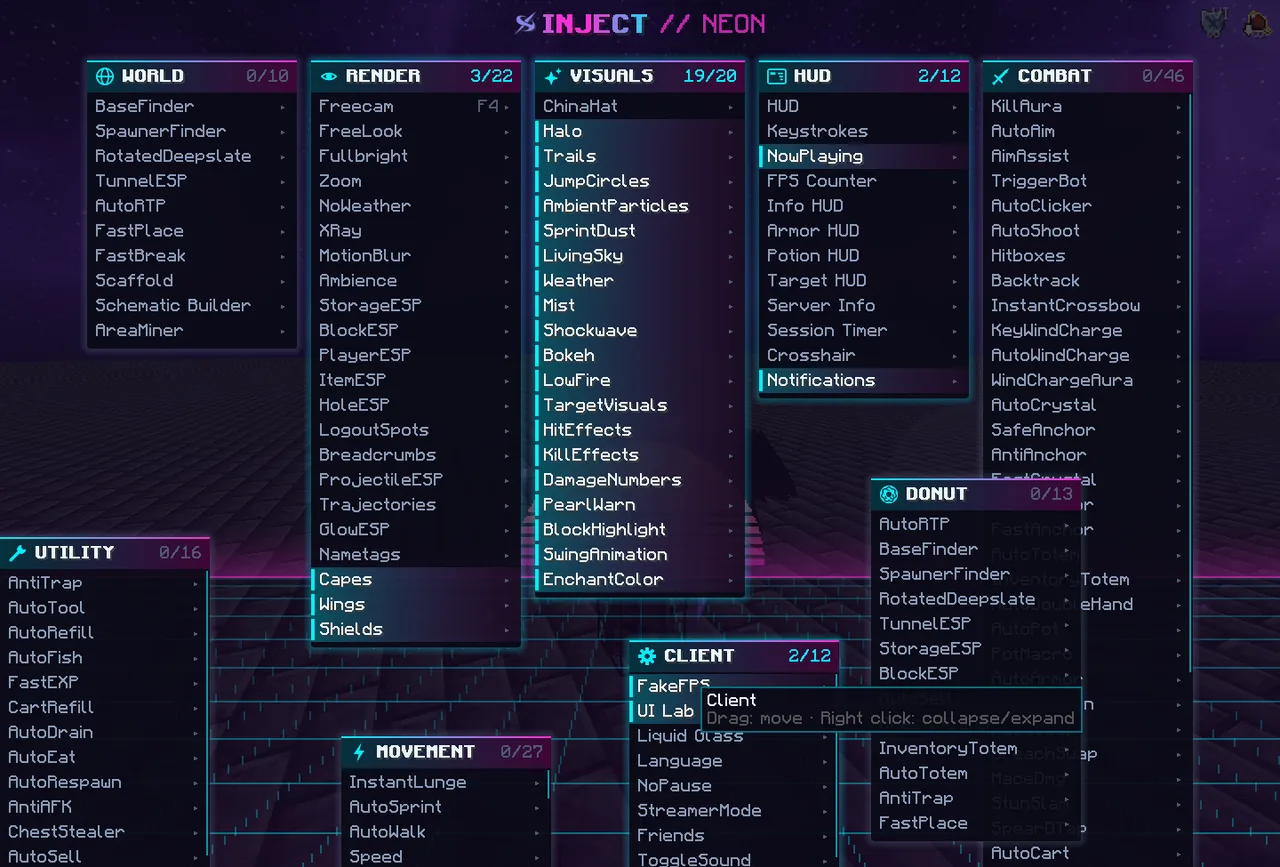
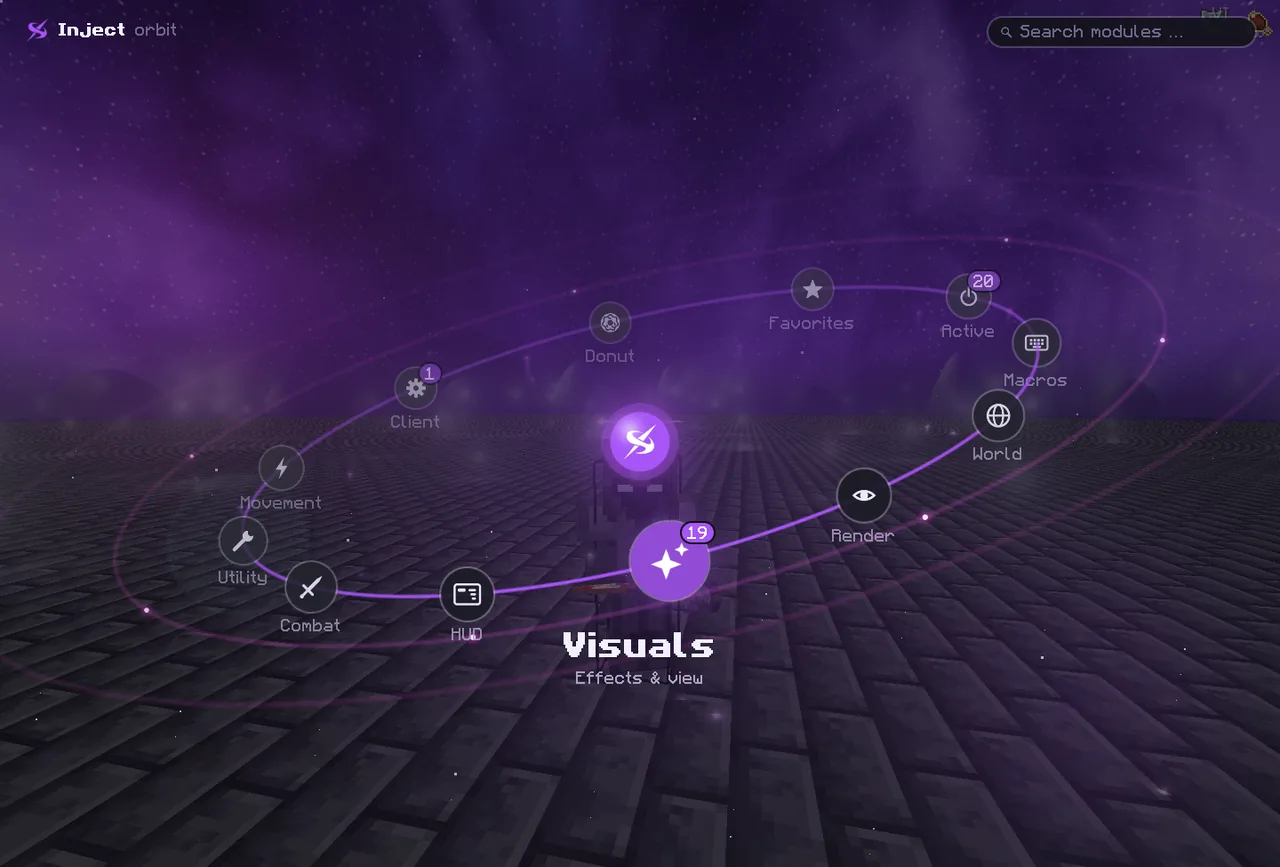
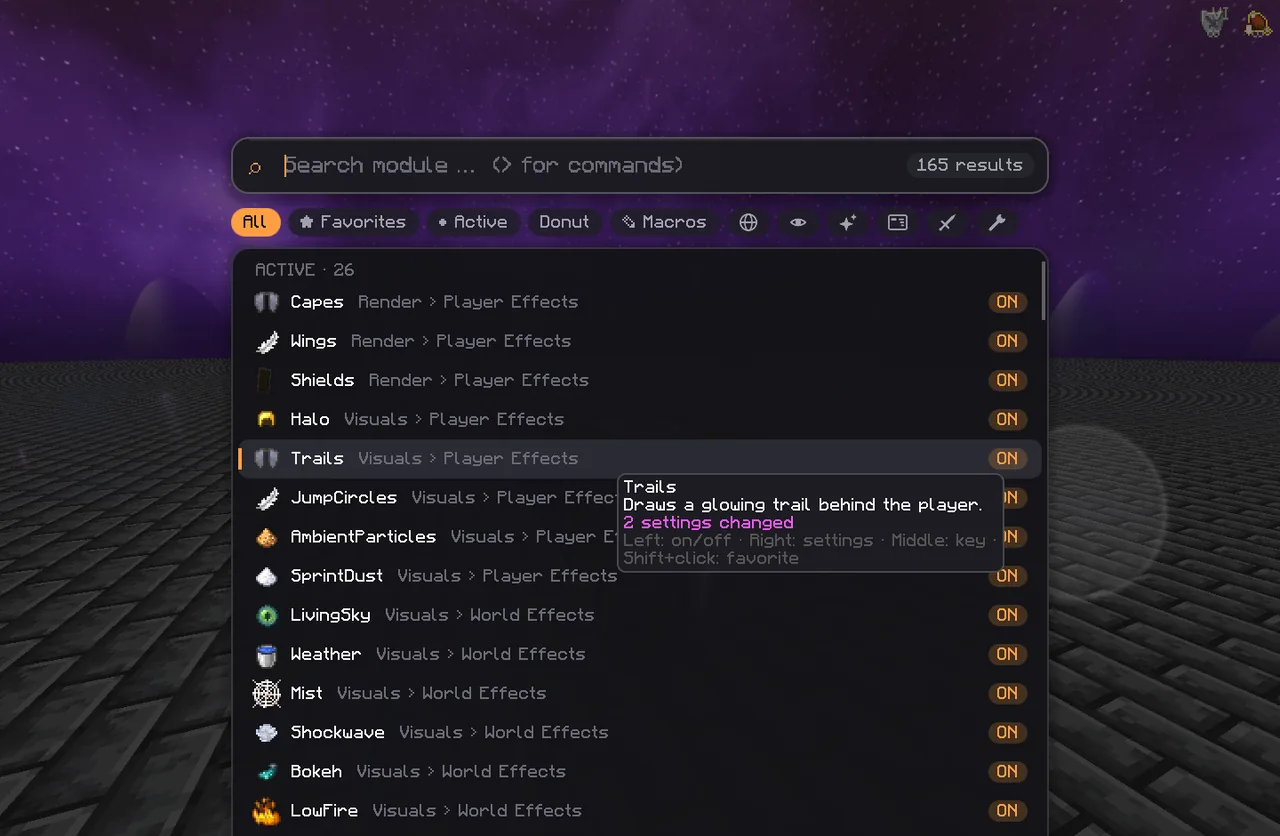
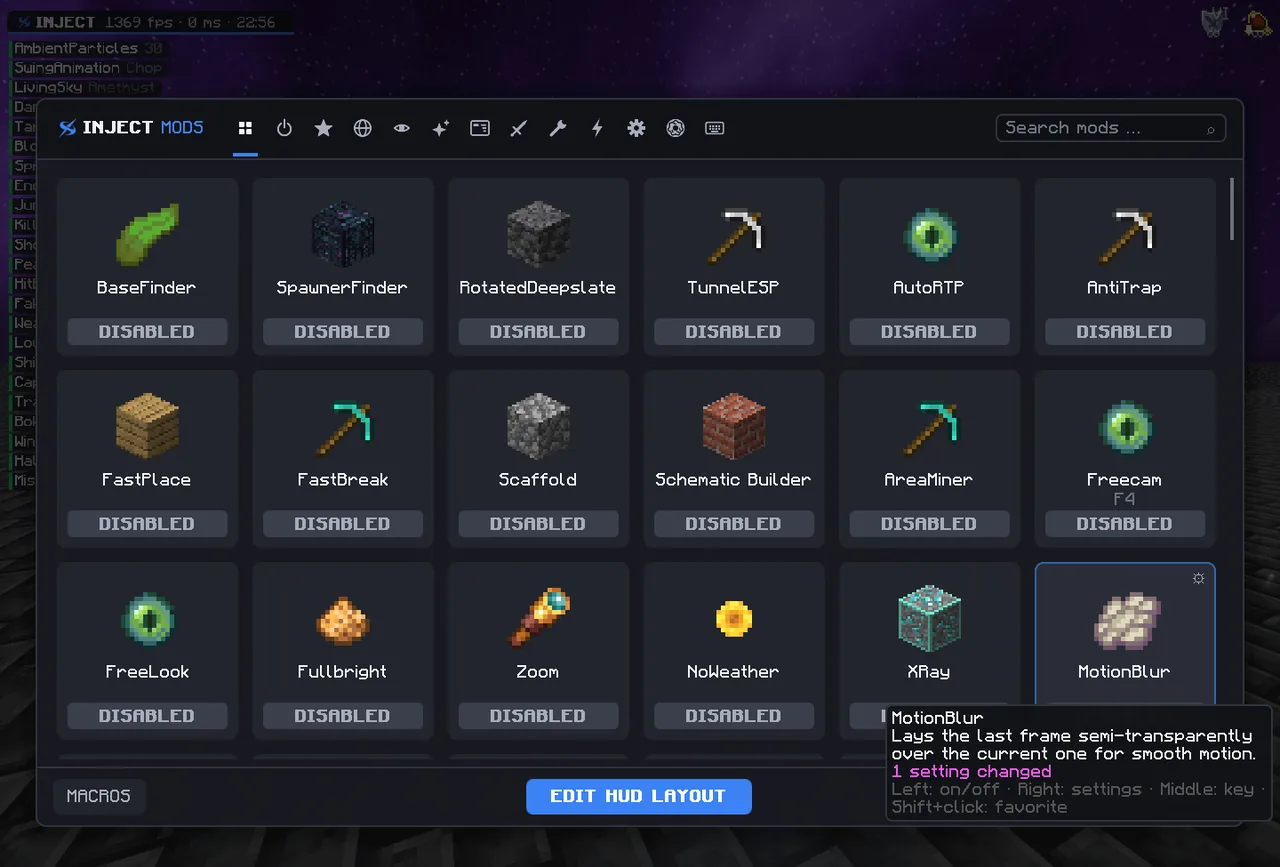
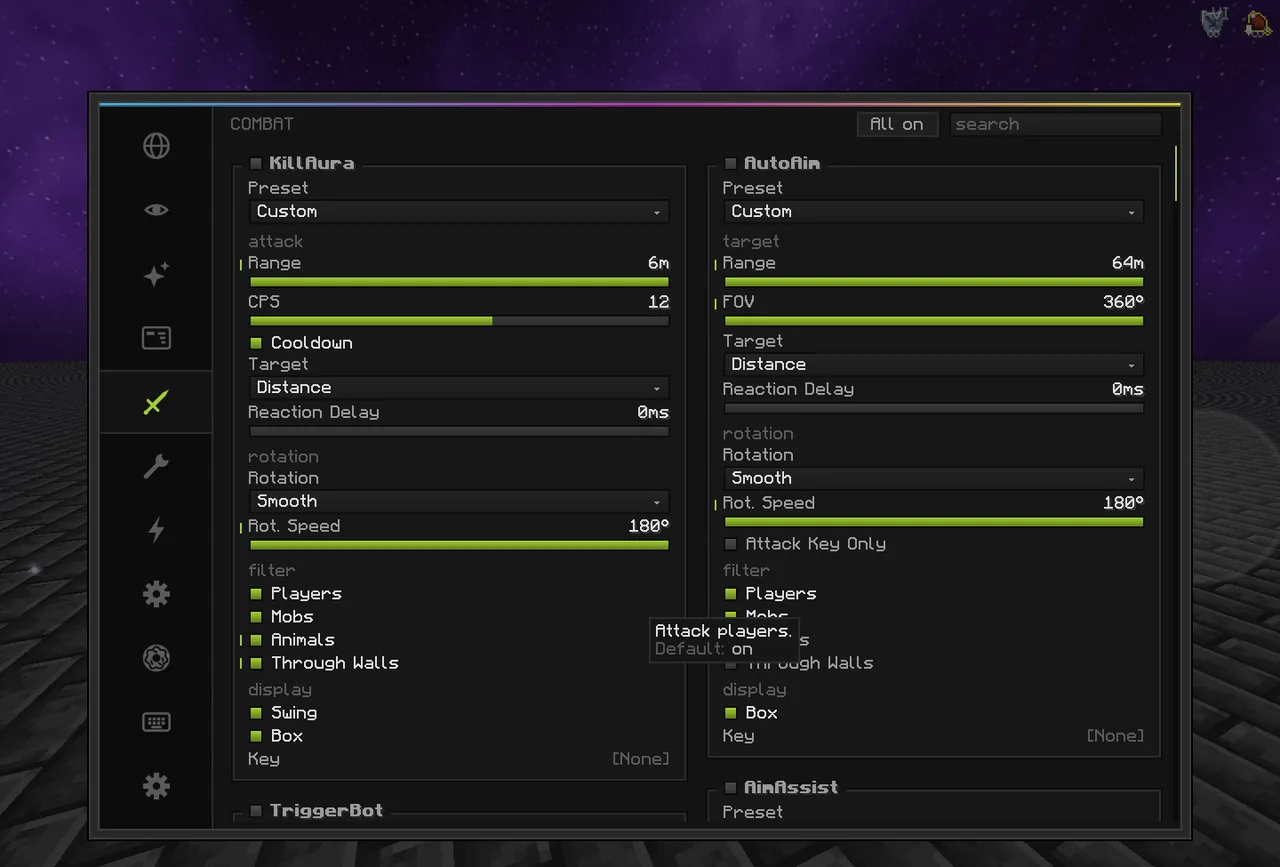
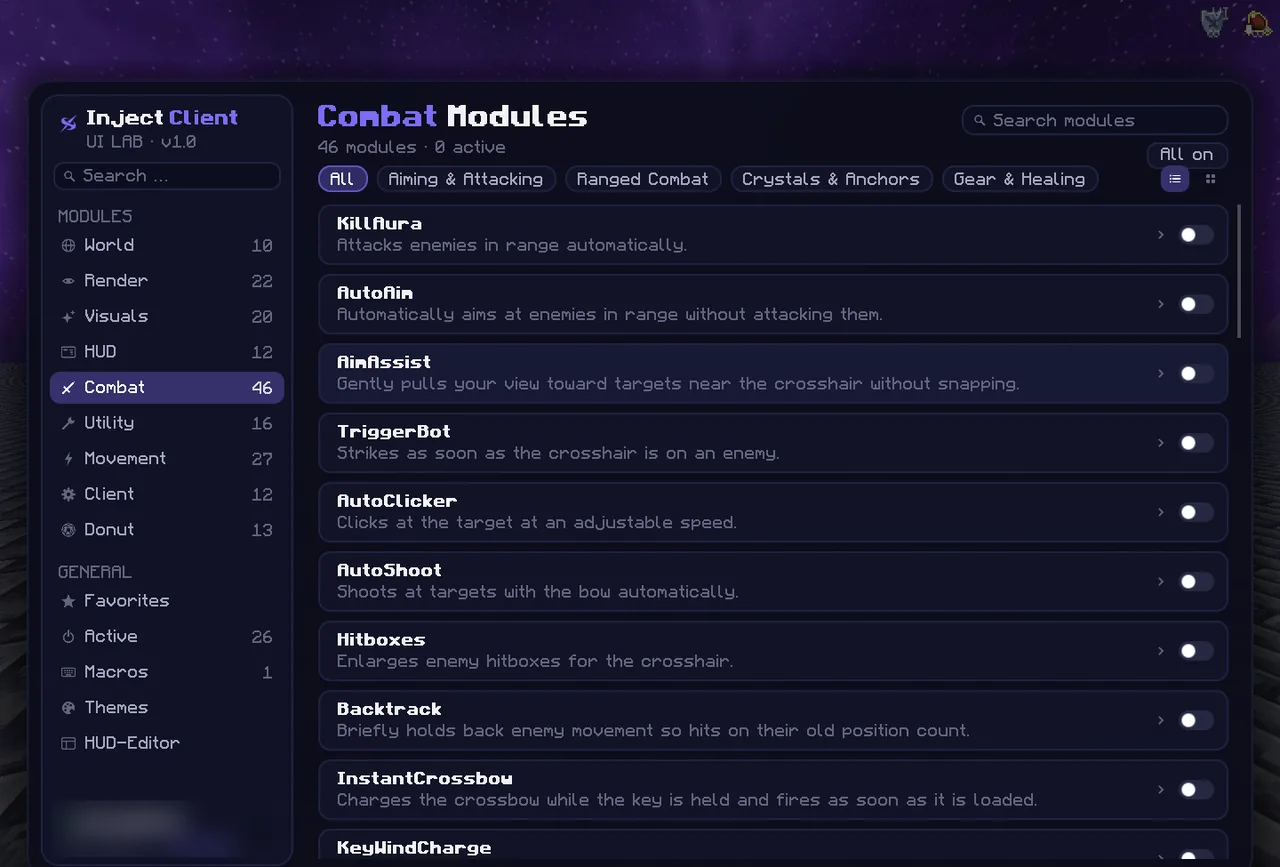
Eight categories, every module with its own settings, search, favorites and keybinds.
Crystal, anchor and mace PvP. Every module has a Legit and a Rage preset plus a shared reaction time, so it stays human.
BaseFinder marks chunks that stayed loaded for a long time: grown kelp, ripe amethyst geodes, blocks only players place.
ESP for players, chests and items, trajectories, nametags, zoom, FreeLook and fullbright.
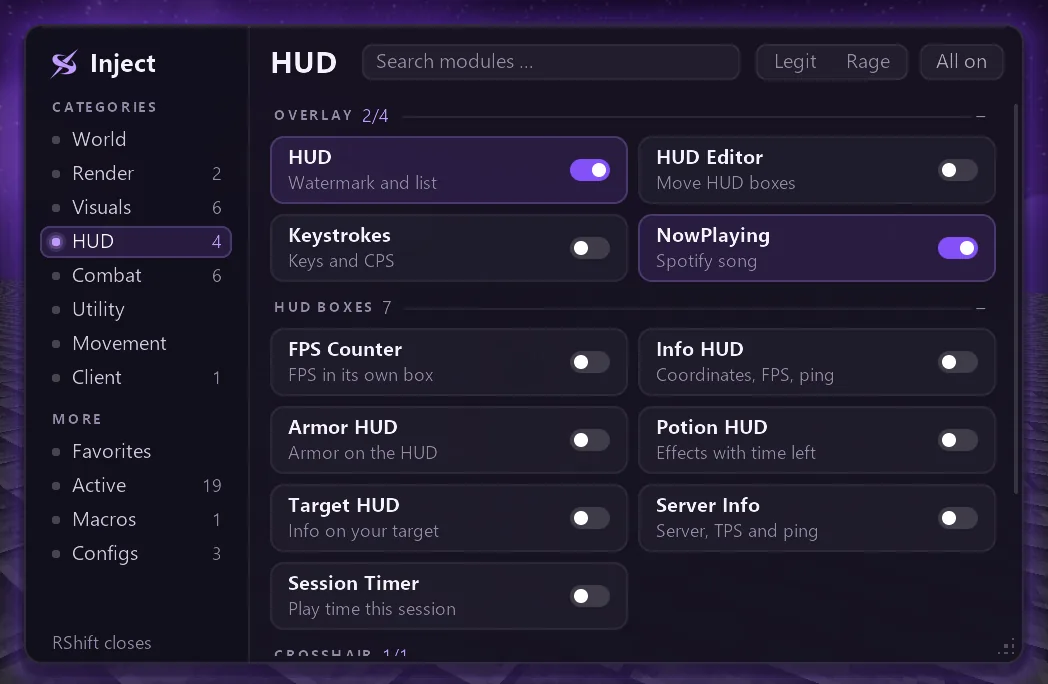
Drag every box anywhere in the HUD editor: keystrokes, coordinates, armor, potions, Now Playing.
The Inject window stays visible on your monitor but is missing from Discord, OBS and screenshots.
One click turns every module off, saves your settings and restores Minecraft's original code.
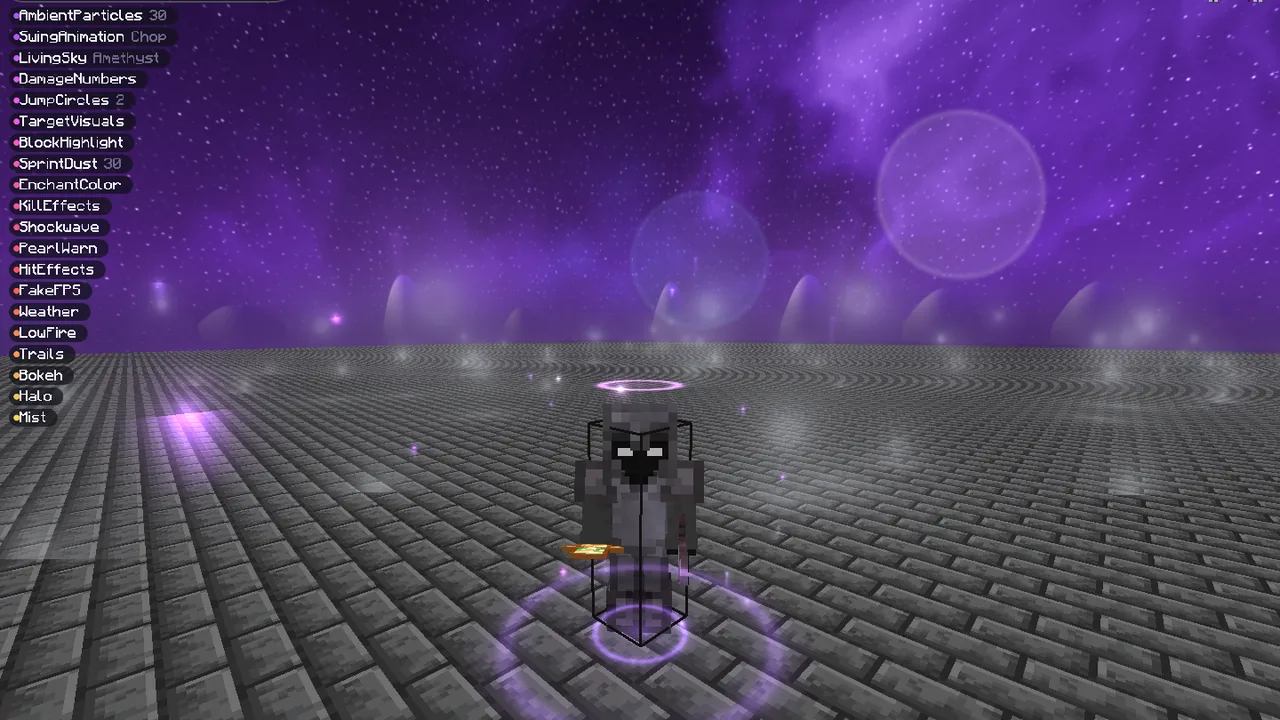
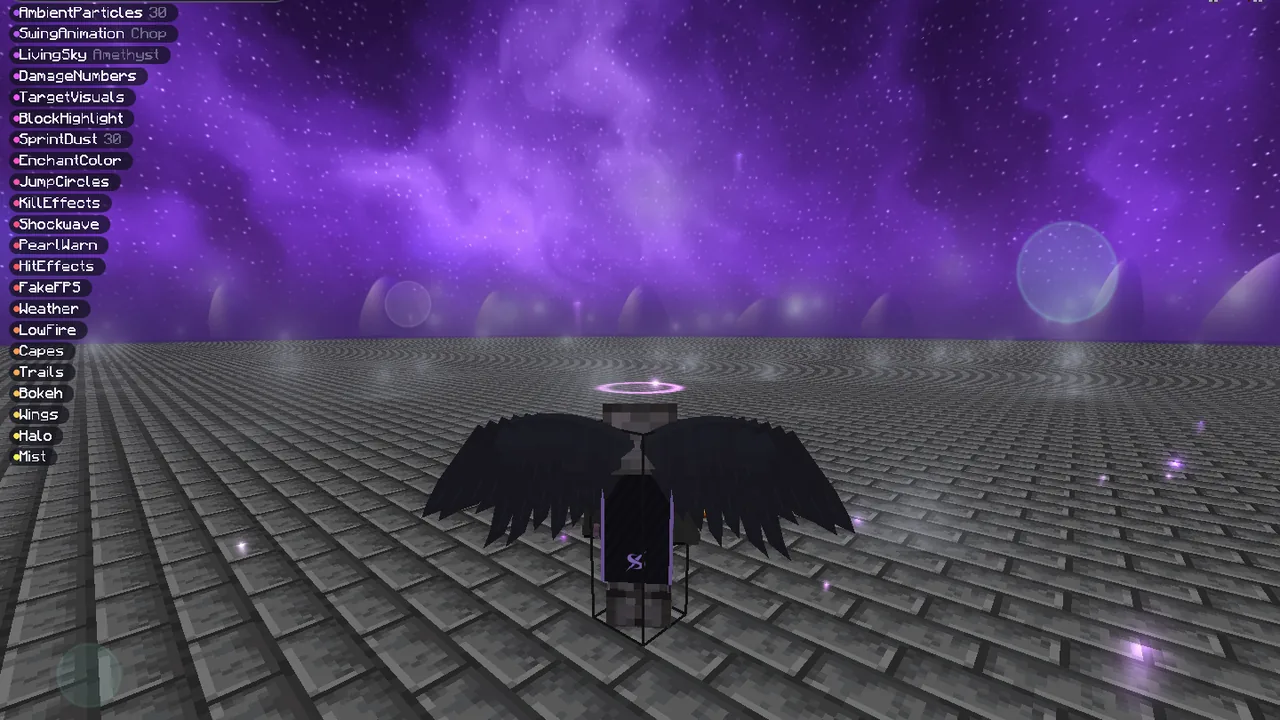
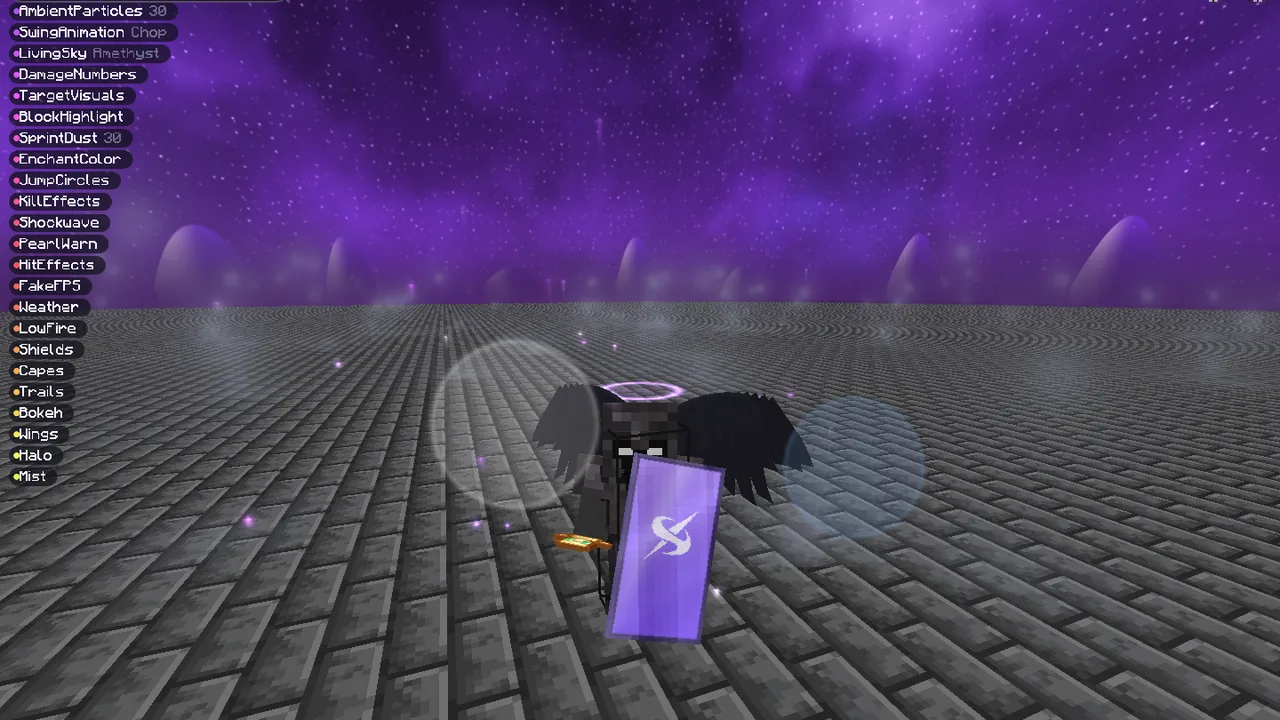
Liquid Glass for menus and HUD, capes, wings and shields, skies, weather and effects. All drawn procedurally, with hard limits to keep your frames up.
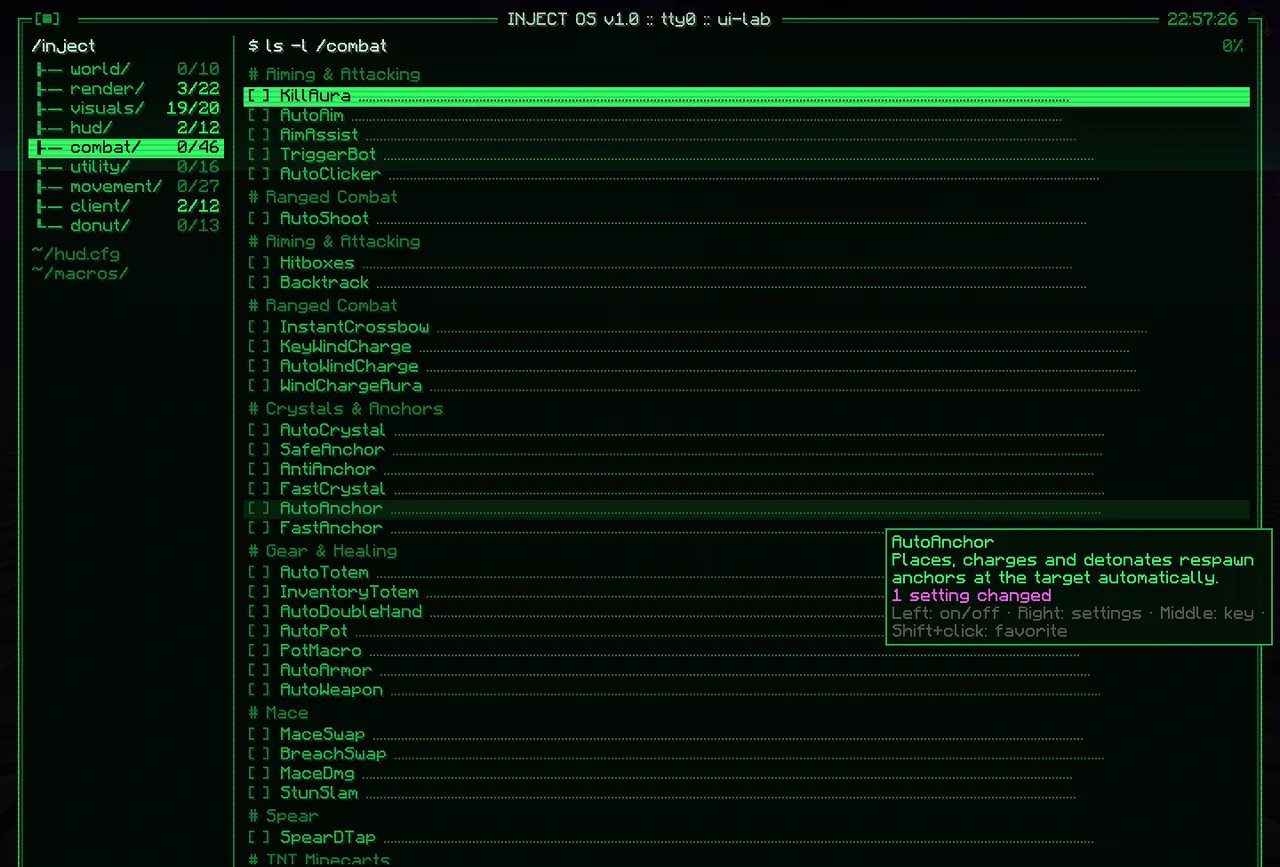
The ClickGUI comes in nine completely different styles, from classic windows to a command line. Flip one switch in the client and the whole menu changes.
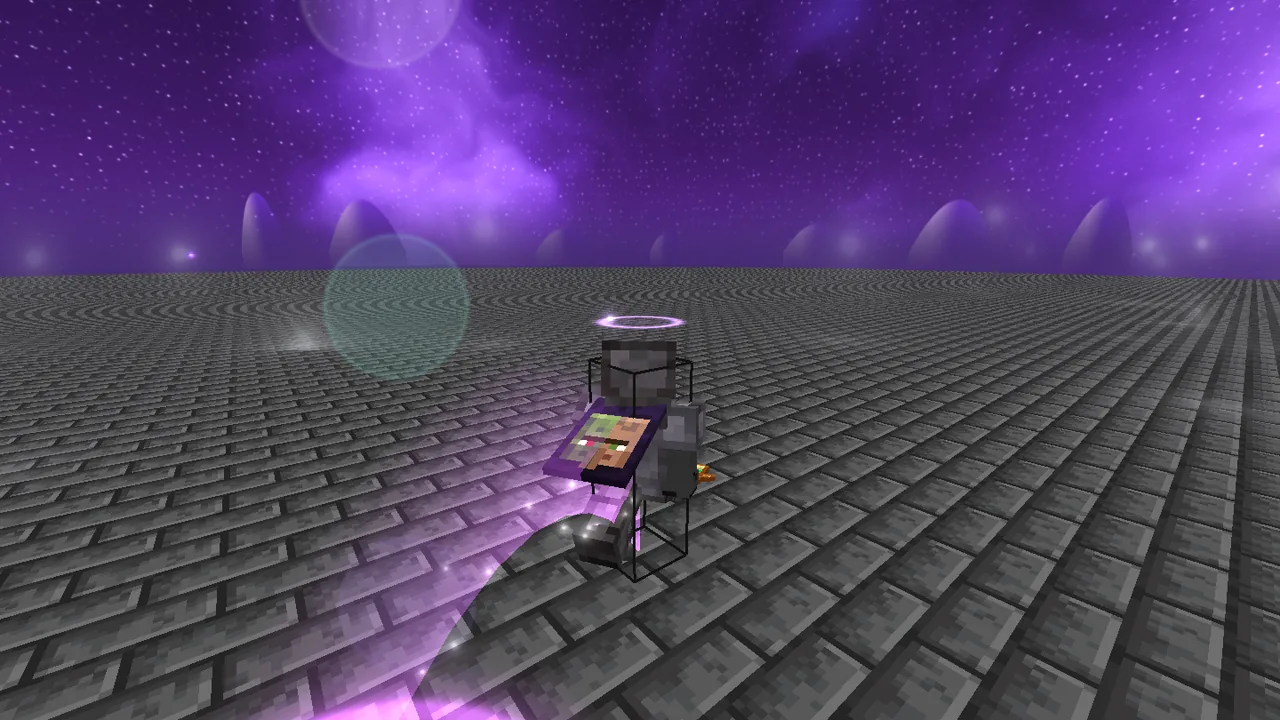
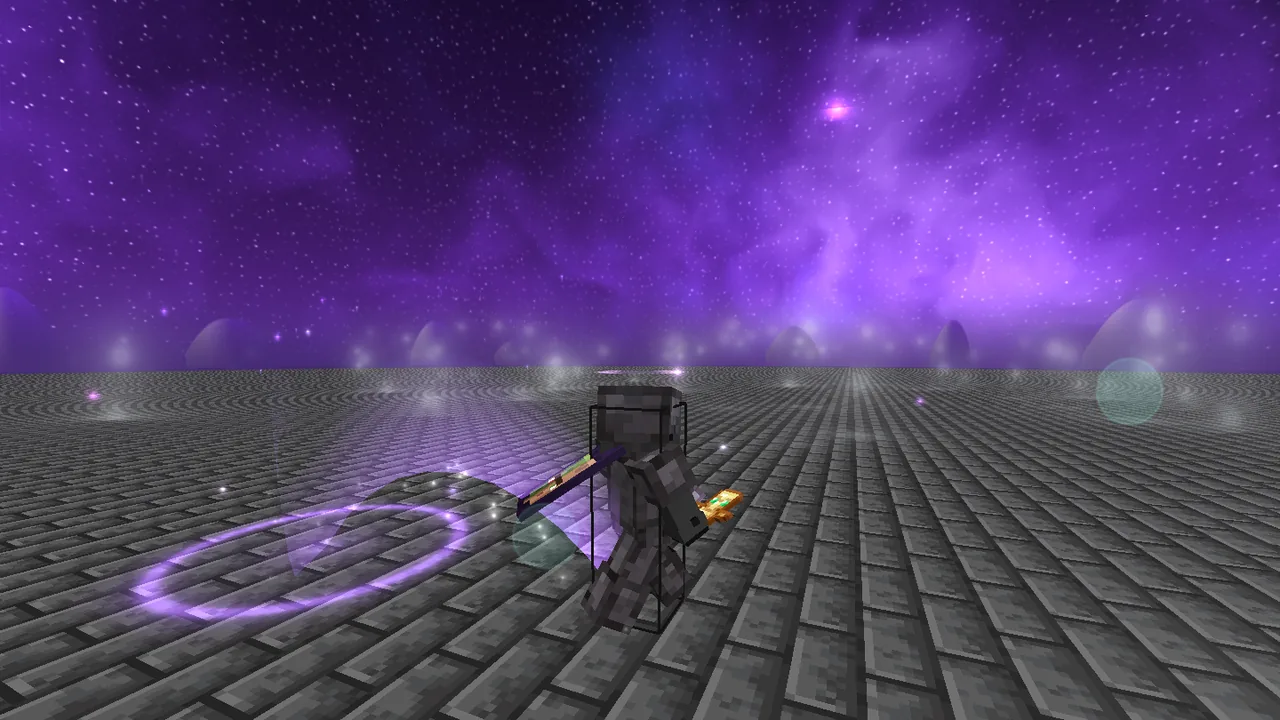
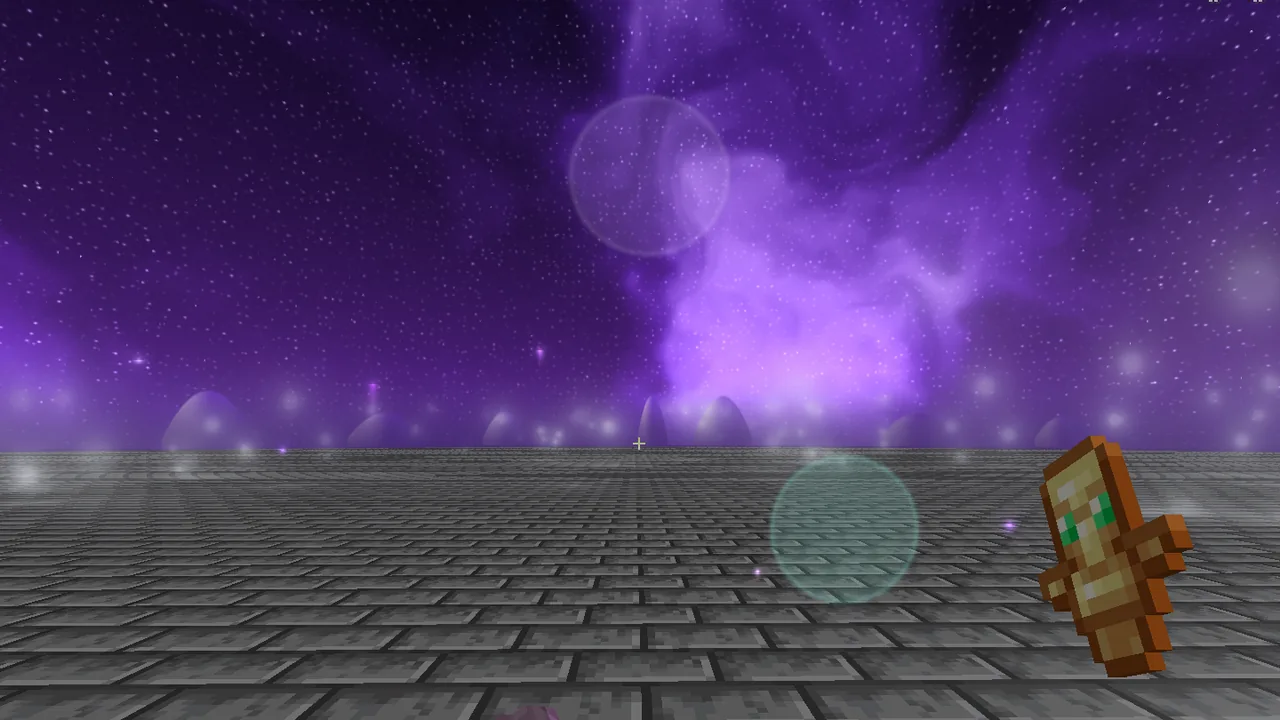
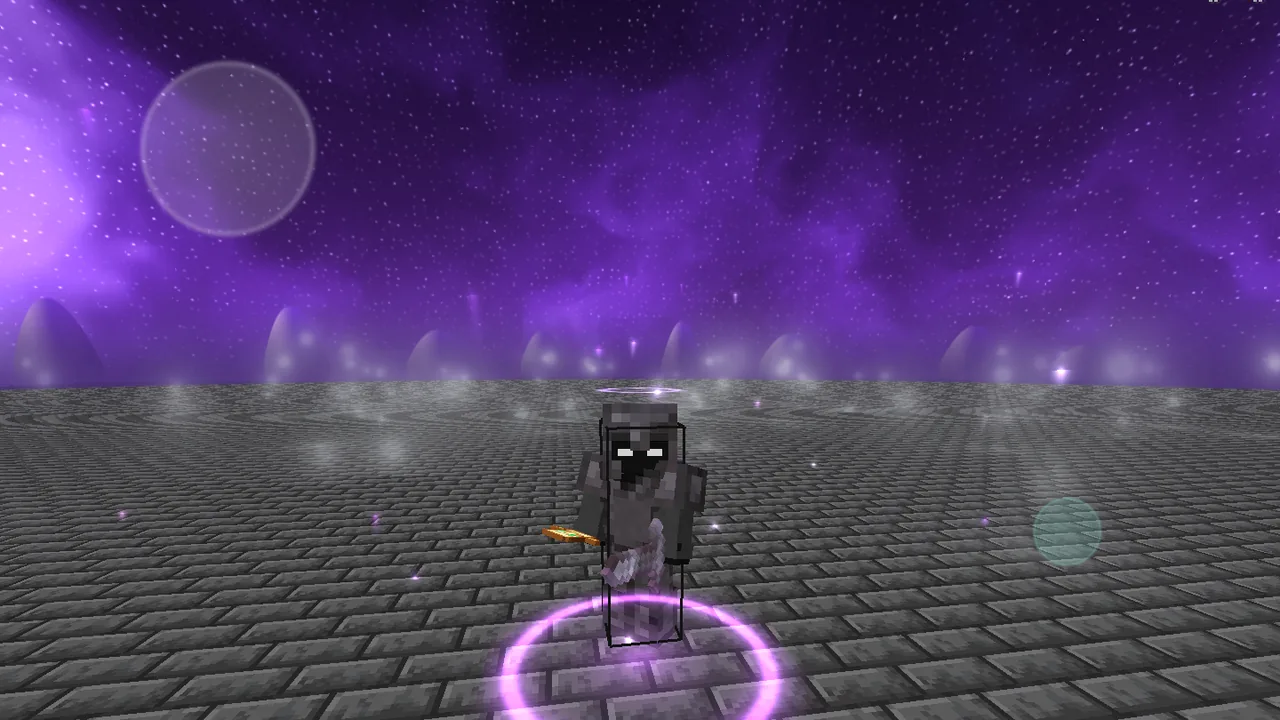
Glowing jumps, trails, halos, wings and a sky made of custom shaders. Every picture here is a real screenshot from the game.
Finds chunks where someone spent a long time: grown kelp, ripe geodes, player blocks. With chat alert, sound and a list of finds.
Pulls out your mace while you fall, one tick before the hit so the server accepts it. Then swaps back.
Detaches the camera from your body. Fly around, look at bases, while your player stands perfectly still.
Builds Litematica and WorldEdit schematics the way you would by hand. Block by block, in a sensible order.
Shows the flight path of pearls, potions, bows, crossbows and tridents before you throw. Never miss again.
A living sky instead of the skybox: Galaxy, Aurora, Nocturne and more. Every pixel from a custom shader.
Refills your offhand and a hotbar slot with totems when you open your inventory. One less pop to worry about.
Shows the song playing on Spotify, cover art included, right in your HUD. Even in the sky if you want.
For Windows 10 and 11 (64-bit) and Minecraft Java Edition 26.2. No need to install Java.

Inject.exe
Loads Inject into a Minecraft that's already running. A single file: it unpacks itself on first launch and opens instantly after that.
Inject-Launcher.exe
No official launcher needed: sign in with Microsoft, click “Play”. The launcher downloads Minecraft and Java itself and starts the game with Inject already on board.
The file isn't digitally signed, so SmartScreen steps in. Click “More info”, then “Run anyway”.
Windows 10 (2004) or 11, 64-bit · Minecraft Java Edition 26.2 · a purchased Minecraft account.
No. Inject doesn't need Fabric, Forge or a mods folder. The injector loads the client into a Minecraft that's already running, whether it came from the official launcher, Fabric, Modrinth or Prism.
No, that's a false alarm. Inject.exe and the launcher are single files: a small starter with Inject and its own Java runtime packed inside, unpacked on first launch. A few scanners that rely on machine-learning guesses see a packed file like that and flag it, especially since our files aren't digitally signed yet. The big names like Kaspersky, ESET, Bitdefender and Avast find nothing. Only download Inject from this page, then you get the real file.
Press Right Shift to open the ClickGUI. Turn modules on, bind keys, and open “HUD” to get to the editor where you can move everything around.
Pick the active instance in the injector and click “Uninject”, or use the “Self Destruct” module in game. Both turn every module off, save your settings and restore Minecraft's original code.
No. Inject.exe brings its own Java runtime and unpacks it to %LOCALAPPDATA%\Inject on first launch.
In the game folder of your Minecraft instance, in the inject subfolder. For the official launcher that's %APPDATA%\.minecraft\inject. Modules, keybinds, HUD layout and macros survive updates.
The launcher starts Minecraft itself: sign in, click “Play”, and Inject is already on board. The injector loads Inject into a Minecraft that's already running, including Fabric, Modrinth or Prism. Both use the same modules and settings.
The injector checks for a new version on launch. If there is one, the update button in the top right lights up; one click downloads it, verifies it and restarts. After an update, restart Minecraft before injecting again.

One file, one click, and Inject is running.
Download Injector